
Bank transfer
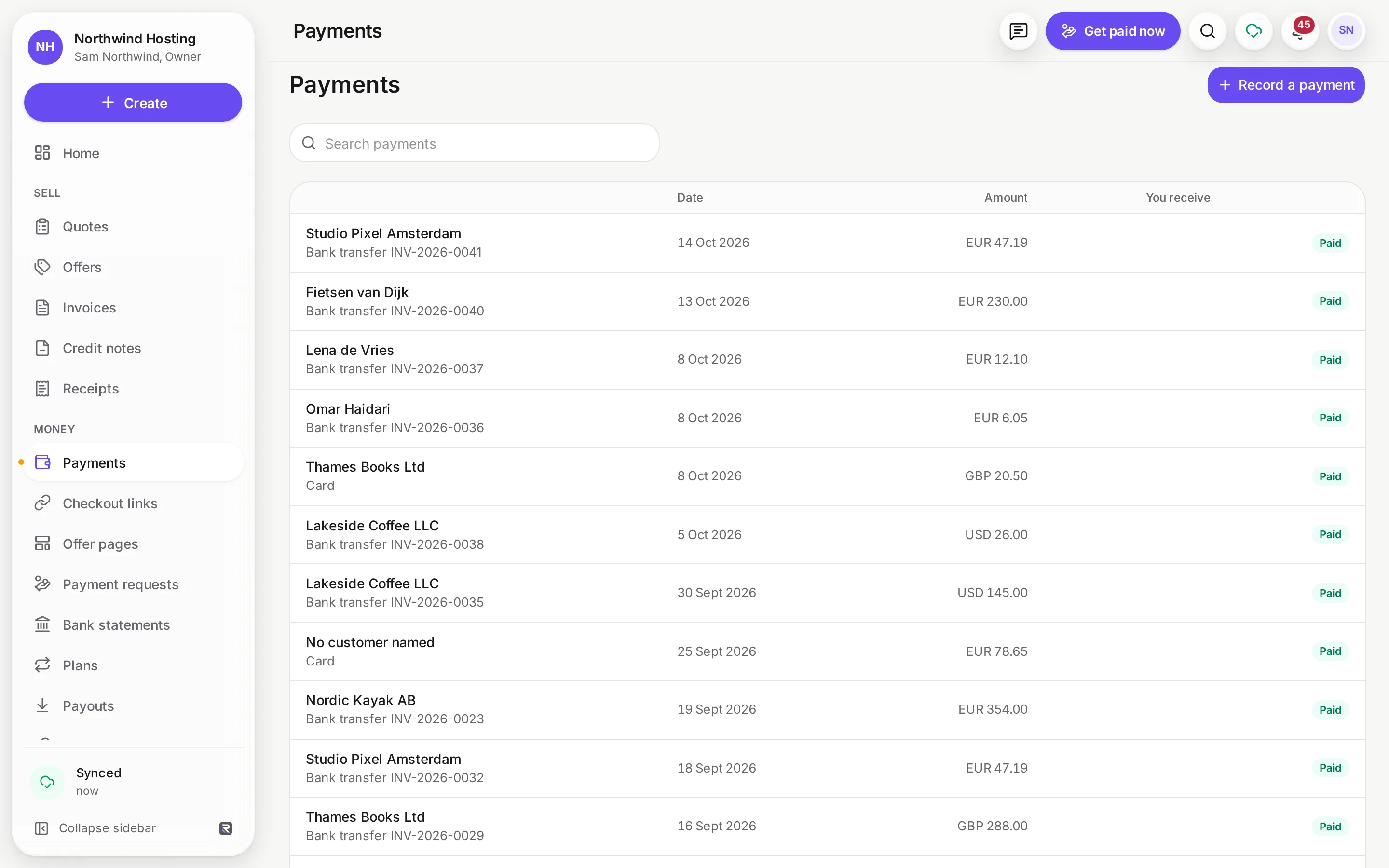
Accept bank transfer payments and match them to invoices
Many customers prefer to pay from their bank. Give them clear details and a unique reference, and see the invoice settle.
What you can do
Automatic matching with Stripe
Where your Stripe account offers bank transfers, each invoice gets its own transfer details and payment is matched for you.
Your own bank account
Show your account number and a unique reference, with a QR code that supports it.
I have paid
Customers can say they paid. This shows a pending payment, not a paid invoice, until you confirm it.
Confirm in a tap
Confirm the money arrived and the invoice is paid and a receipt is made.
Copy buttons
Customers copy the details with one tap.
Part payments
If a customer sends less, the invoice shows what remains.
How it works
- 1
Pick your method
Use Stripe transfer details or enter your own bank details.
- 2
Customer pays from their bank
They use the reference shown.
- 3
Payment is matched
Automatic with Stripe, or confirmed by you with your own account.
Good to know
- Matching from your own bank feed is planned for the Business plan. Until then you confirm those payments yourself.
Questions and answers
How do I know a bank transfer arrived?
With Stripe bank transfers the match is automatic. With your own account you confirm it in the app.
What is a unique reference?
A short code that belongs to one invoice, so you can see which one a payment is for.
Are bank transfers safe?
Yes. Customers send money from their own bank and we never ask for their login.
Which countries are supported?
Stripe offers bank transfer in selected countries. Your own account works anywhere you can receive transfers.