
Receipts
A receipt generator that fills itself in
When a customer pays online, the receipt is made and sent for you. For cash or a bank payment, record it and make the receipt in a few taps.
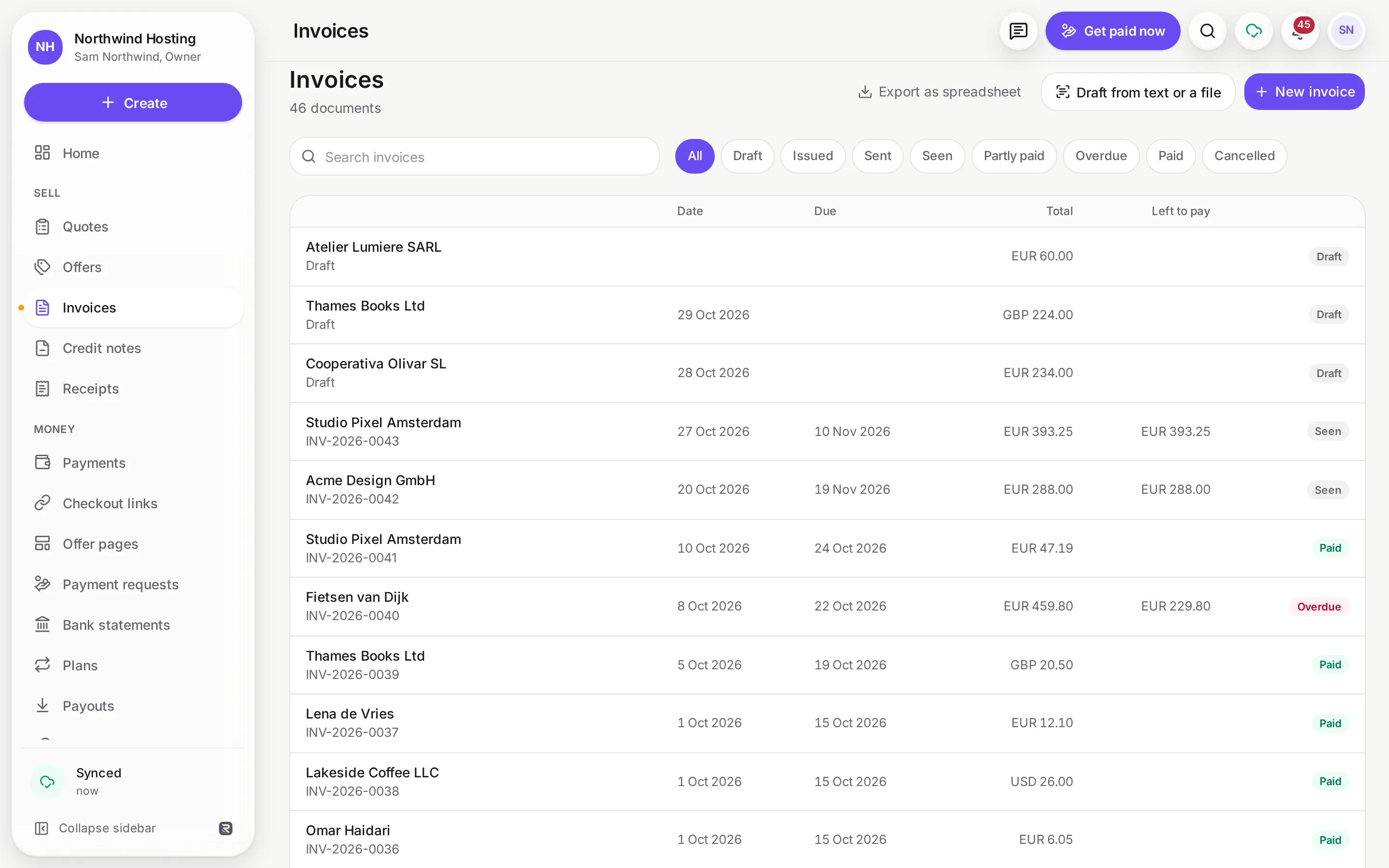
What you can do
Automatic receipts
An online payment creates a numbered receipt with the invoice, the method and the amount, ready to download.
Cash and bank payments
Record money you received outside the app, on the spot, and give the customer a receipt.
Works offline
Issue receipts with no signal. They get their numbers from the device and sync later.
Your brand and language
Receipts carry your logo and business details and are written in the language of the customer.
Linked to the invoice
Each receipt points to the invoice it pays, and part payments show what is still open.
Share how you like
Send by email, share the PDF in a chat, or let the customer download it from the portal.
How it works
- 1
Record or receive a payment
It arrives by itself when a customer pays online, or you enter it yourself.
- 2
Receipt is made
It gets the next number and your business details.
- 3
Send or share
Email it, share the PDF, or print it.
Good to know
- A receipt shows that money was received. It is not a request for payment. Use an invoice for that.
Questions and answers
What is a receipt?
A receipt is proof that a payment was received. Read invoice vs receipt for the difference.
Do receipts get a number?
Yes, in a series you control, so none are skipped or repeated.
Can I make a receipt for a cash payment?
Yes. Record the payment as cash, and the app makes the receipt.
Can customers get their receipts later?
Yes. They can download them from the customer portal using a sign in link sent to their email.