
Quotes
Quote software your customers can accept online
Write a quote, send a link, and let your customer accept it on their phone. Take a deposit at the same moment, then turn the quote into an invoice.
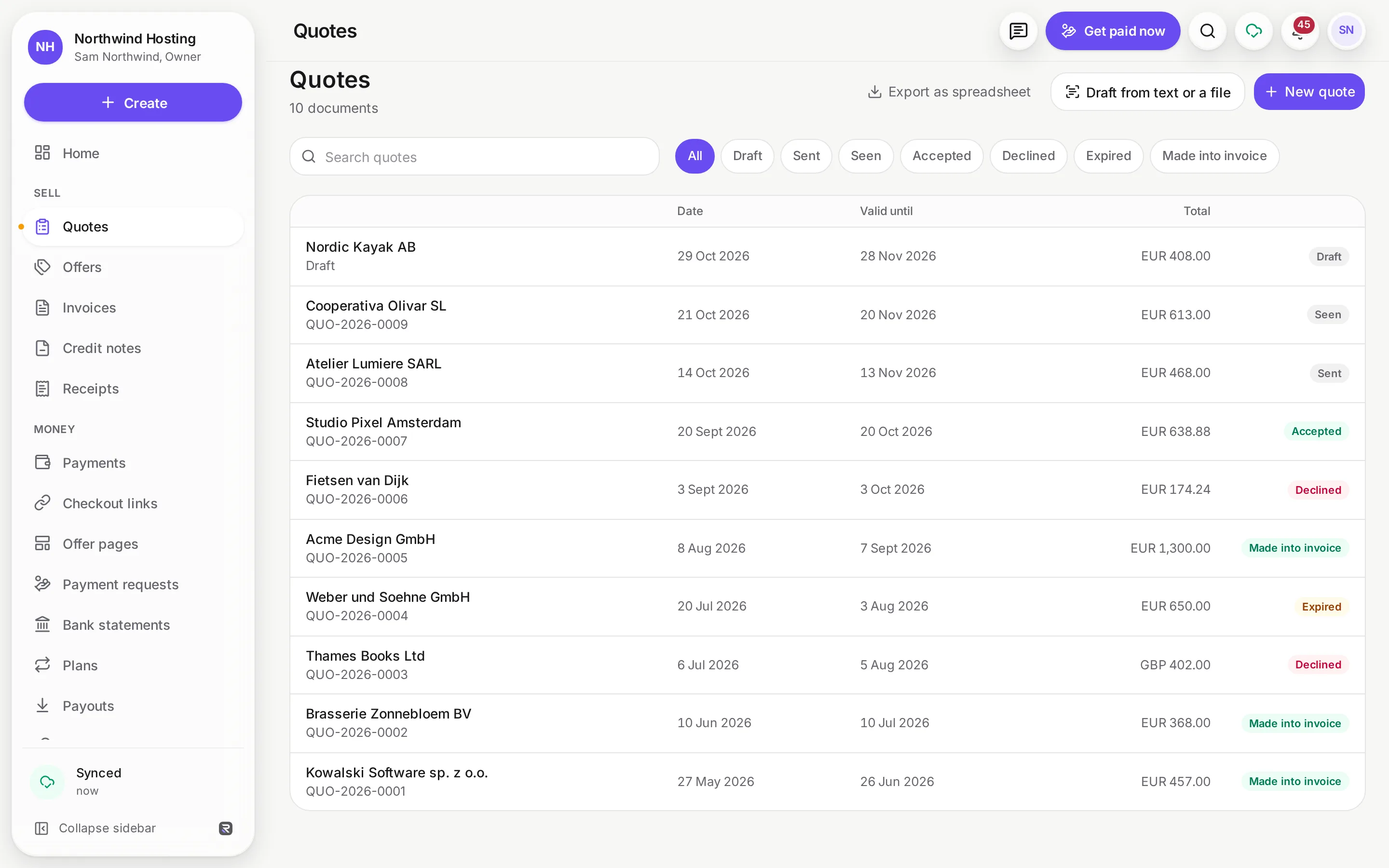
What you can do
A page your customer can read
The quote opens as a clean web page with your brand, the items, the total and the date it is valid until.
Accept online
The customer types their name and accepts. The time and name are saved on the quote, so you have a record.
Optional items
Mark extras as optional and let the customer choose what they want before accepting.
Deposit on acceptance
Ask for a deposit when the quote is accepted and take it on your checkout page straight away.
Ask or decline
Customers can ask a question or decline with a reason, so you hear back without a phone call.
Quote to invoice
Turn an accepted quote into one invoice, or into a deposit invoice and a final one.
How it works
- 1
Write the quote
Add items and prices, choose how long it is valid and add a short note.
- 2
Send the link
Email it or share the link. You can see when the customer opens it.
- 3
Turn it into an invoice
After acceptance, make the invoice in one tap. Nothing is typed twice.
Good to know
- A sent quote cannot be edited. If something changes you send a new version, and the customer always sees the latest one.
- Quotes are not invoices. Nothing is owed until you issue an invoice.
Questions and answers
What is the difference between a quote and an invoice?
A quote is a price you offer before the work. An invoice is a request for payment after, or as, the work is agreed. Our invoice vs receipt guide explains more.
Can customers accept a quote on their phone?
Yes. The quote link opens a mobile page with an Accept button. No account is needed.
Can I take a deposit?
Yes. You can ask for a fixed amount or a percentage when the quote is accepted.
Is a quote the same as an estimate?
In everyday use, yes. Some countries use the word estimate and some quote or quotation. The page works the same.