
White label
White label invoicing with your own brand
Customers see your business on everything. Pro removes our marks, and Business adds your own web address.
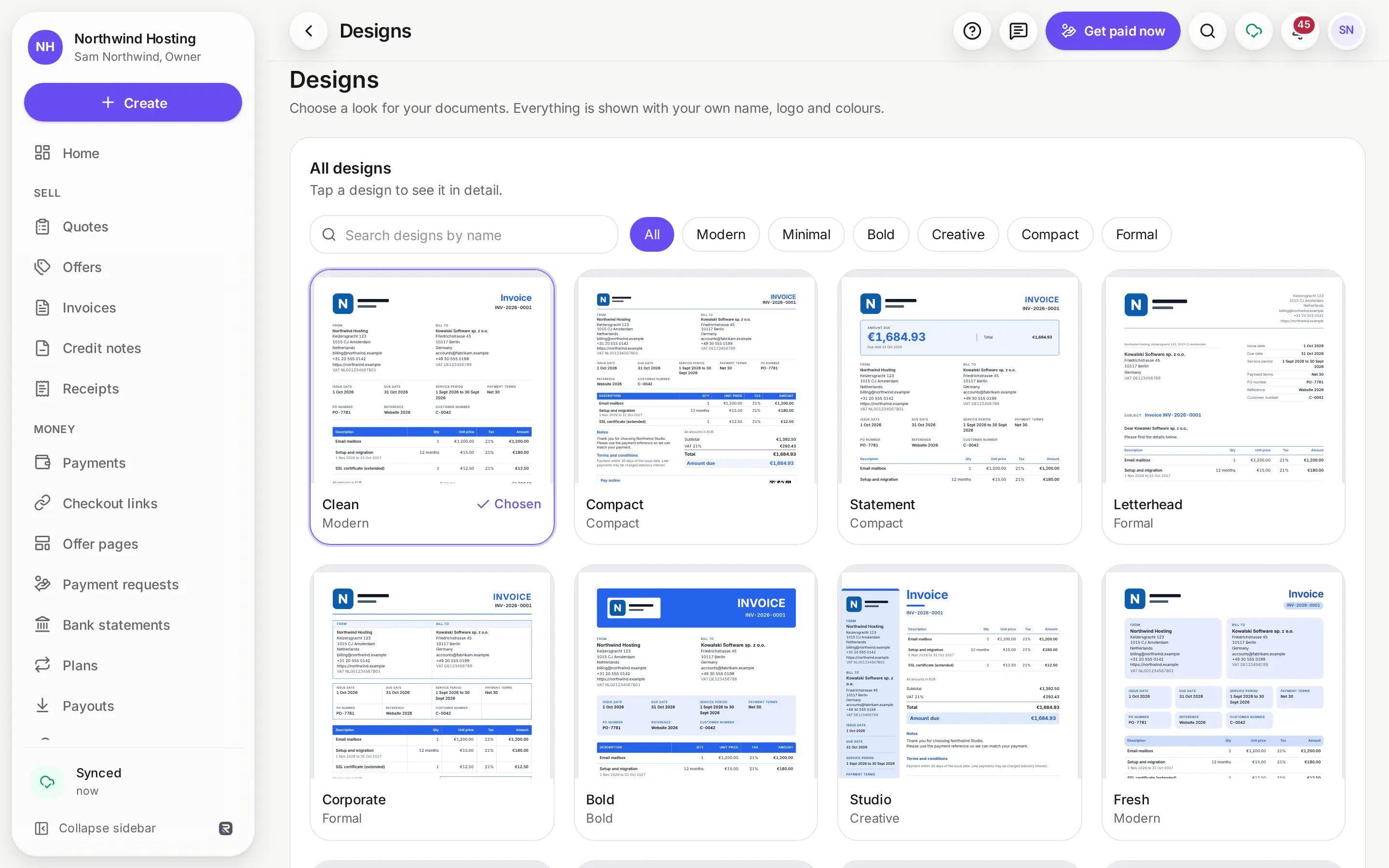
What you can do
Your brand on everything
Logo, colours, fonts, business name and legal lines appear on documents, checkout, offers, portal and emails.
No RespireSoft marks
A later plan hides "Powered by" lines and our links on customer pages and emails.
Your own web address
A later plan puts checkout and links on a domain like pay.yourbrand.com.
Your own email sender
Send from your own address through your own mail server.
Labels in each language
Customer pages follow the language of the customer where a translation exists.
Per business
Agencies can give each client business its own look.
How it works
- 1
Add your brand
Upload a logo and pick colours in Settings.
- 2
Check the preview
See documents and checkout in your style.
- 3
Share
Everything customers receive now carries your brand.
Good to know
- Your logo and colours are on every plan. Removing our marks comes with Pro, and your own domain and email sender with Business. See the pricing page.
Questions and answers
Can I remove your name now?
Yes, on Pro and Business. The Free plan shows a small RespireSoft mark.
Can I use my own domain?
Yes, on the Business plan.
Does white label cost extra?
It comes with the paid plans, not as an extra. See the pricing page.
Can I send emails from my own address?
Yes, with your own mail server settings.