
Recurring plans
Recurring invoice software for repeat customers
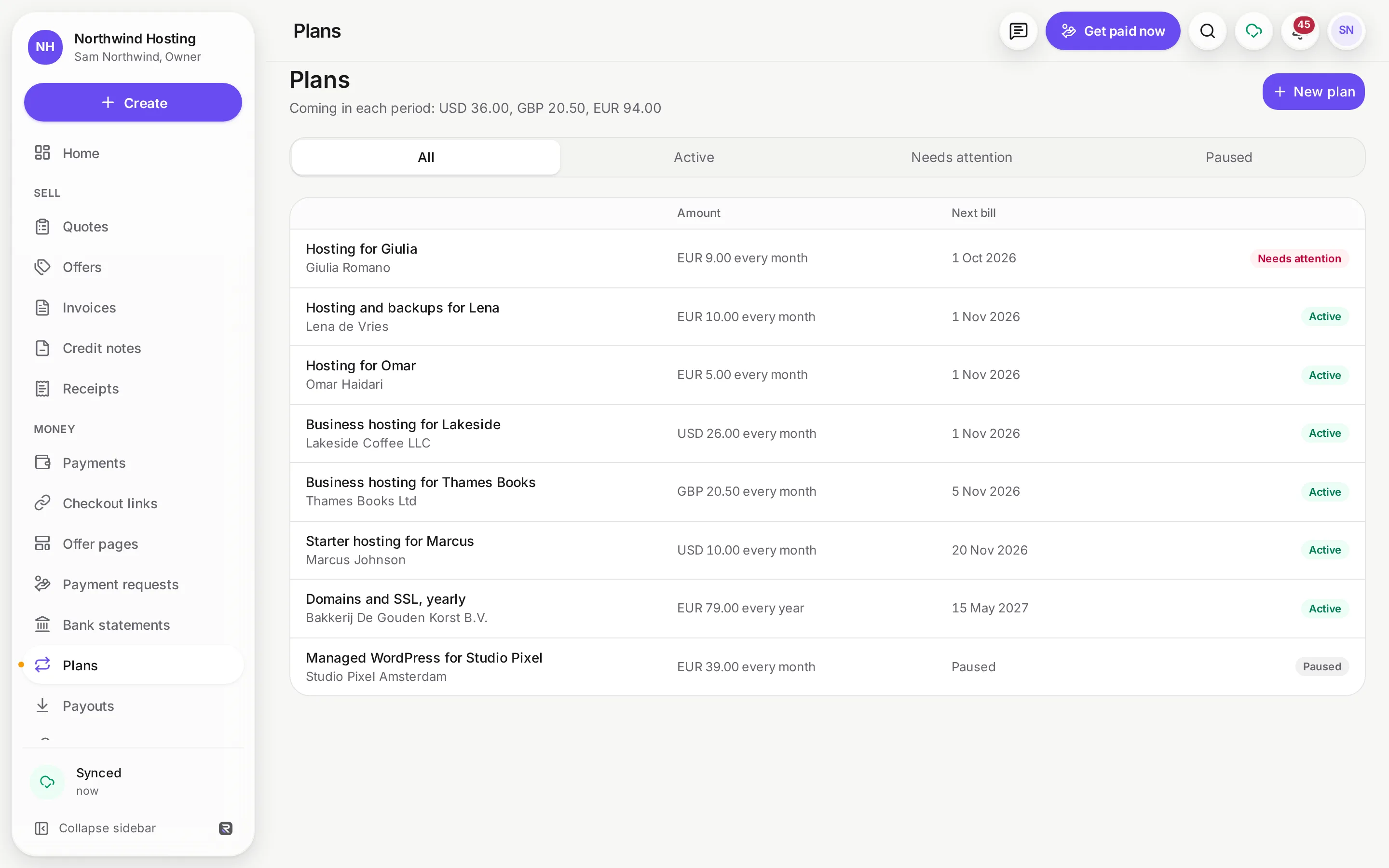
For hosting, rent, retainers and subscriptions. Choose what to charge and how often, and each invoice is made, numbered and sent on schedule.
What you can do
Weekly, monthly or yearly
Pick the schedule and the start date. The invoice is made at the right time in your own time zone.
Invoice or pay link
Send a full invoice, or just a payment link with a short message, each time.
Pause, skip and change
Pause a plan, skip the next one, end it, or change the price from the next period.
Prices and coupons
Plans use your product prices, a customer's price list and coupons, including ones that last a few periods.
Reminders built in
Polite reminders follow each invoice and stop as soon as it is paid.
History in one place
See every invoice a plan has made, what is paid, and what is coming in the next 30 days.
How it works
- 1
Choose customer and items
Pick what you charge and how often.
- 2
Set the start
The first invoice is made on the date you choose.
- 3
Let it run
Each invoice is made, numbered and sent. You only step in when you want to.
Good to know
- Plans send invoices or pay links. Charging a saved card automatically comes with Pro and Business.
Questions and answers
What is a recurring invoice?
An invoice that is made again on a schedule for a customer who buys the same thing regularly. See our guide for hosting clients.
Does the customer pay automatically?
Not yet. The customer gets each invoice with a pay link. Automatic card charges are planned.
Can I stop a plan?
Yes. You can pause, skip or end it at any time.
Can I change the price?
Yes. Changes apply from the next period, so past invoices stay as they were.