
Payment providers
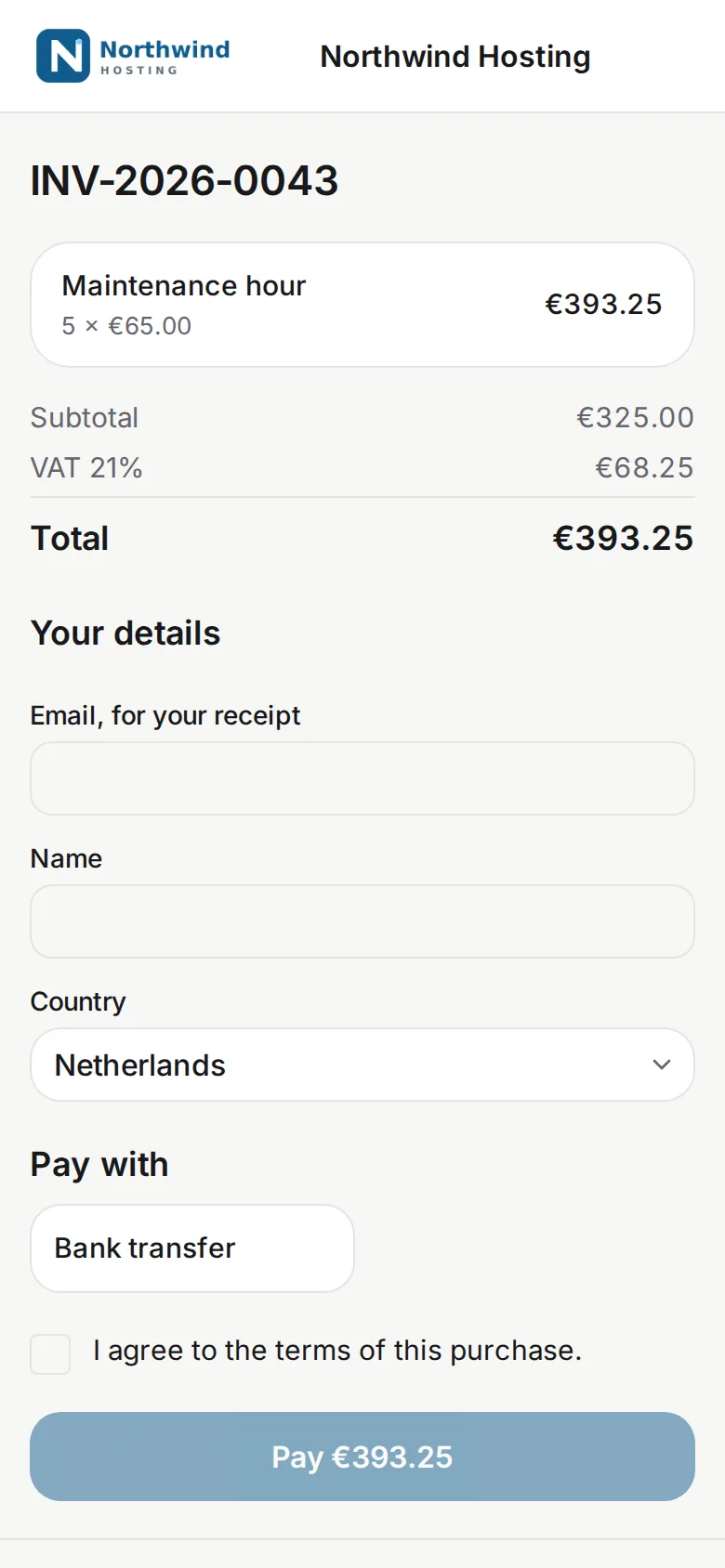
Payment providers for invoices, all in one checkout
Connect the providers you already use. Your customers see one clean checkout page, and the money goes to your own accounts.
What you can do
Stripe
Cards, 3D Secure, Apple Pay, Google Pay and bank methods such as iDEAL, where your Stripe account offers them.
Revolut
Card payments through your Revolut merchant account, with 3D Secure.
HesabPay
Customers pay with their HesabPay account on the checkout page.
Bank transfer
Show bank details with a unique reference, or use Stripe's bank transfer details that match payments automatically where available.
Cash and other
Record cash or any other payment yourself, also offline.
Rules per method
Choose which provider handles which currency, so euros can go one way and pounds another.
How it works
- 1
Add your keys in Settings
You enter your provider details yourself. They are stored encrypted, per business.
- 2
Pick methods and order
Decide what customers see first.
- 3
Get paid to your account
Providers pay out to you on their own schedule.
Good to know
- We do not hold your money and we do not see card details. Each provider has its own fees and terms, shown on its own website.
- Mollie and other providers may be added later.
Questions and answers
Which providers can I connect?
Stripe, Revolut and HesabPay today, plus bank transfer and cash. More can be added.
Do I need a separate account with each?
Yes. You use your own account with each provider and keep your relationship and payouts with them.
Can I use more than one at once?
Yes. You can route by currency and choose what customers see.
What do the providers charge?
Their own fees. Check the current prices on the provider's own website. See also Stripe vs PayPal vs Mollie fees.